
Article 1 of 4
Check the Dashboard
Do this every time you log in.
If you have not logged in for a few days, there may be a backlog of new transactions and bank entries. Work through them oldest to newest. Start with the Action Center — it shows exactly what needs attention.
Go to: Dashboard — https://app.gsi-tech.ai/dashboard/home
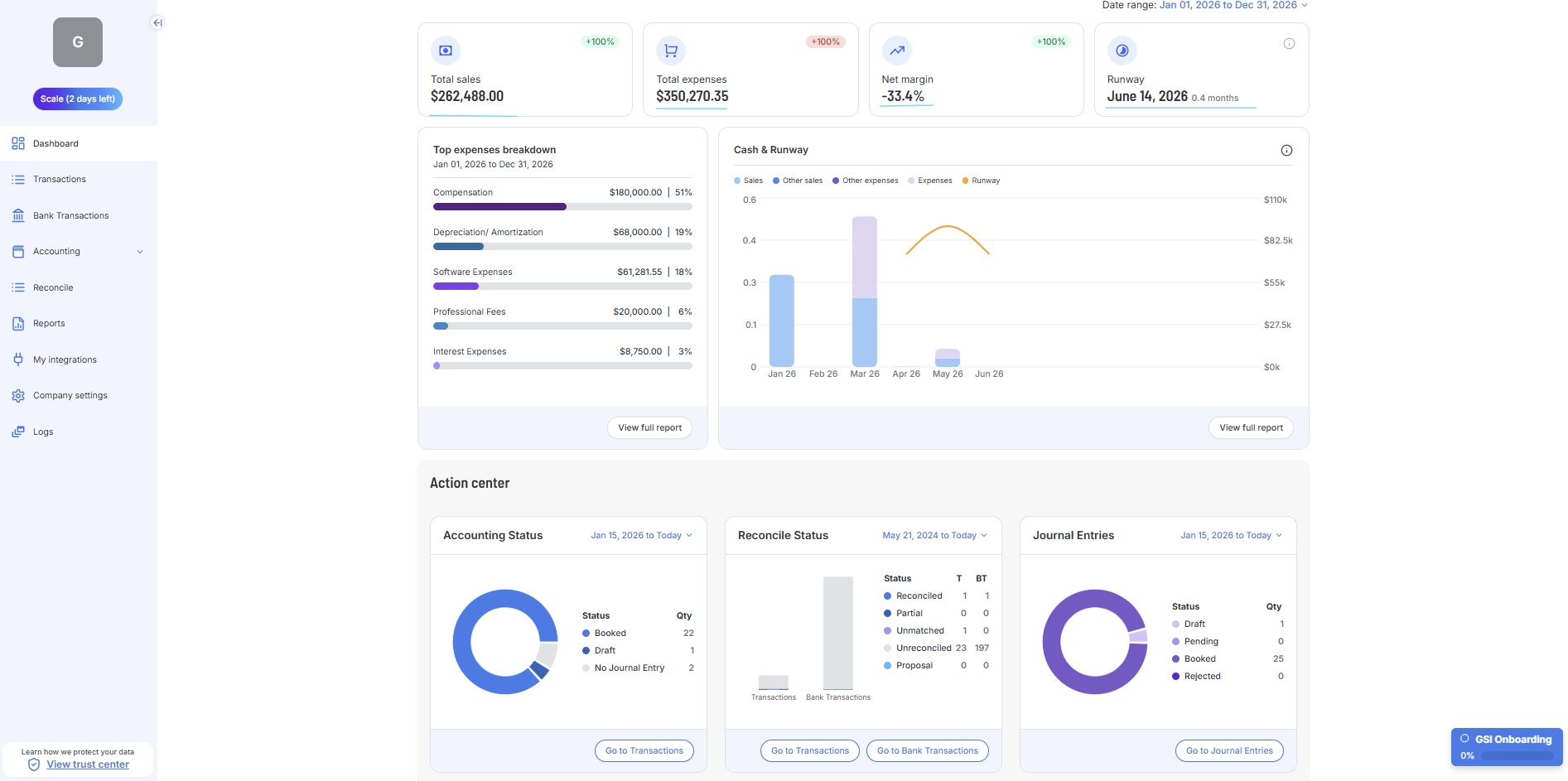
KPI Card | What to check each session |
|---|---|
Total Sales | Has it changed since last session? If not and you made additional sales, check for missing transactions or Journal Entries. |
Total Expenses | Same as Total Sales — confirm new expenses are appearing. |
Net Margin | Is it moving in the right direction? |
Runway | Falling runway needs attention. Below 3 months needs attention. |
Next → Work through the Action Center
Last updated: 6/3/26, 1:59 PM