
Article 2 of 4: Work through the Action Center
Go to: Dashboard — scroll down to Action Center — https://app.gsi-tech.ai/dashboard/home
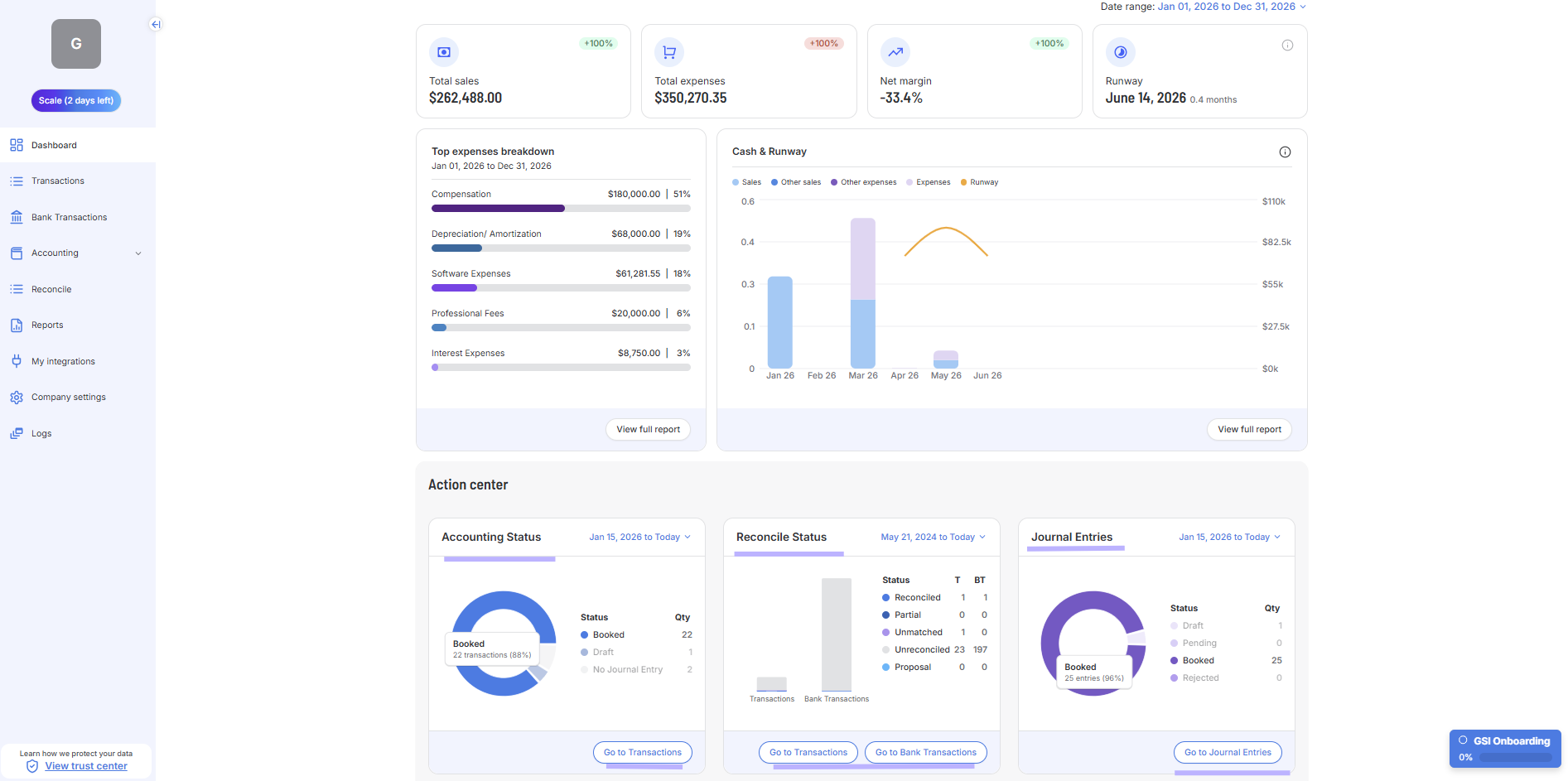
Panel | What to do |
|---|---|
Accounting Status | Fix these first. Transactions without a Booked Journal Entry do not appear in Reports or Dashboard totals. Click 'Go to Transactions' or "Go To Bank Transactions" |
Reconcile Status — Unreconciled | Work down this count each session. Click 'Reconcile' to go to the module. |
Journal Entries — Pending / Draft | Approve or book these to finalize the records GSI created. Only Booked Journal Entries for transactions and bank transactions show up in your Reports. |
Remember: Until a transaction or bank transaction has a Booked Journal Entry, it is invisible to Reports and Dashboard totals. Ensuring your activity is complete (all your transactions and bank transactions are in) and all of them have a Journal Entry with a Booked status is a key priority.
Next → Review new Transactions