
Article 5 of 5: Reconcile your transactions with bank
Step | What to do |
|---|---|
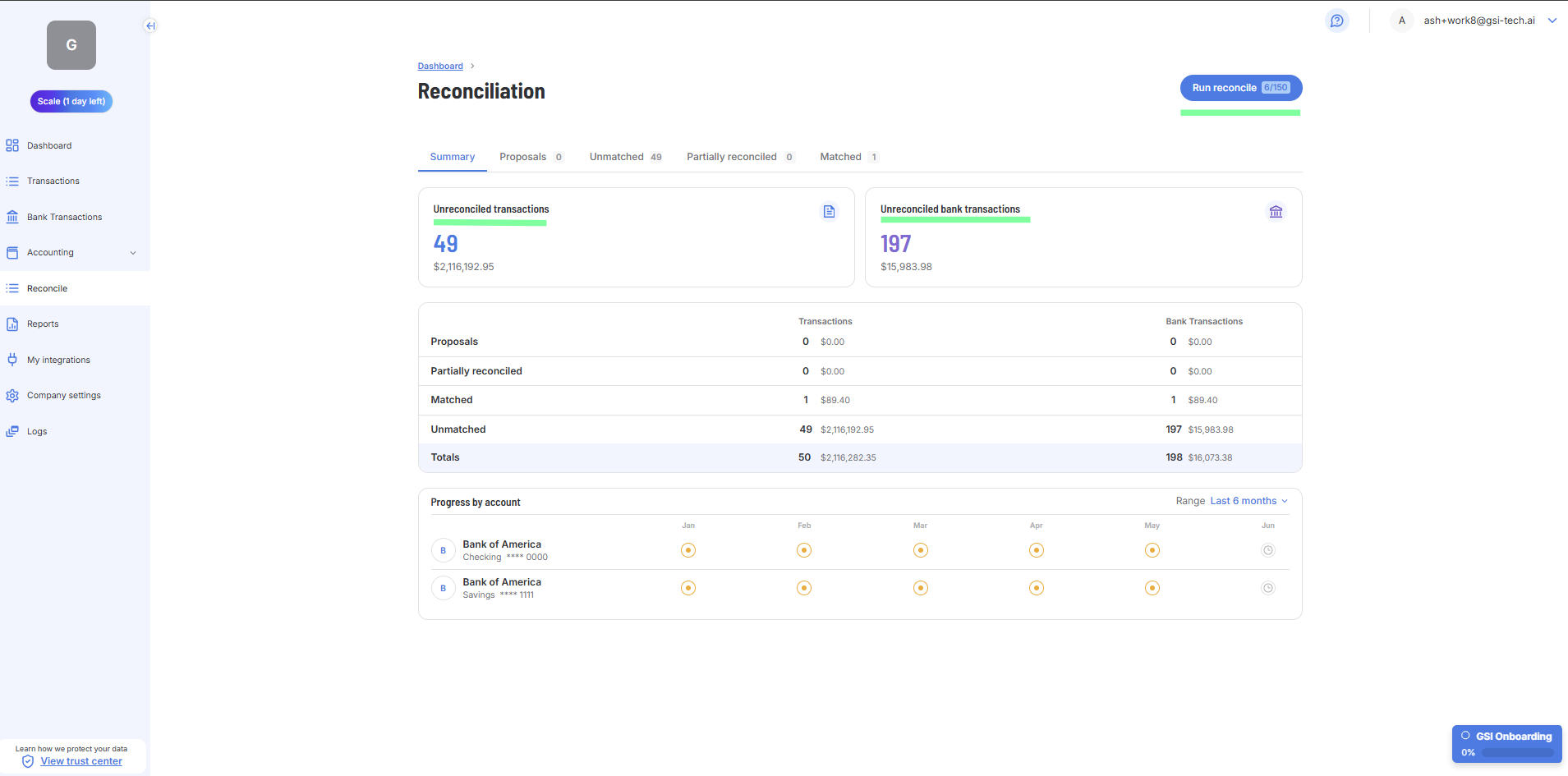
1. Check the Unreconciled Count | Work through any transactions and bank transactions that are unreconciled. Hit the "Run Reconcile" |
2. Proposals | This tab shows any match of transactions and bank transactions that are proposed by our platform AI |
3. Partially Reconciled | This tab shows any transactions that are partially reconciled. This usually happens if a transaction is paid in installments or where a transaction is manually matched. |
4. Matched | This tab shows any transactions that are matched. This usually happens ifour platform AI matches a transaction with a bank or you manually match it. |
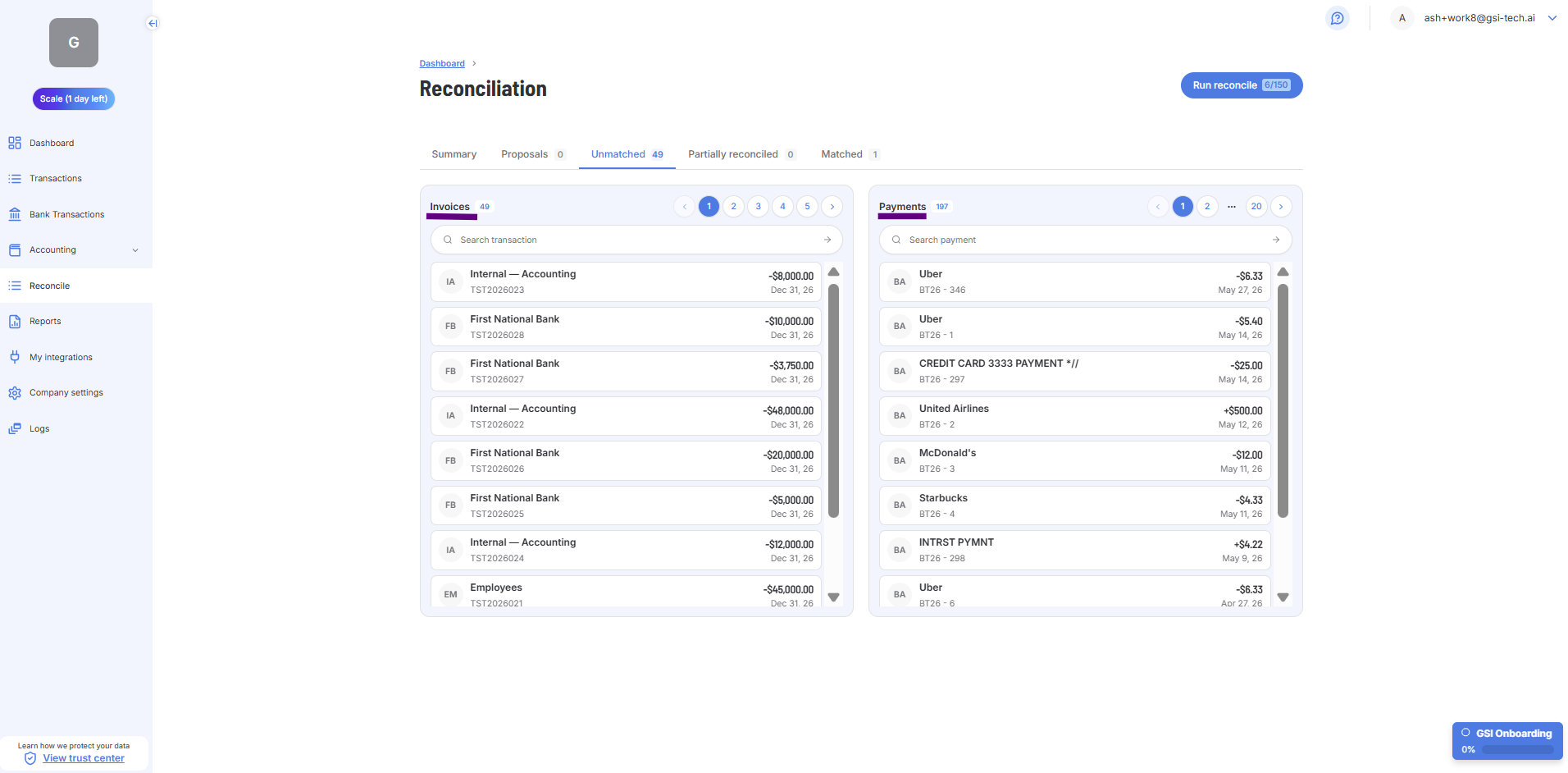
5. Unmatched | This tab shows any transactions that are unmatched after a reconciliation is run. If this happens, you can manually match the transaction to the bank information. If a transaction and bank transaction is matched, it will show up in the Matched tab. |